Does your route cross woods or nature areas? Ask the owner or manager for permission at least 35 days in advance.
How to set it up
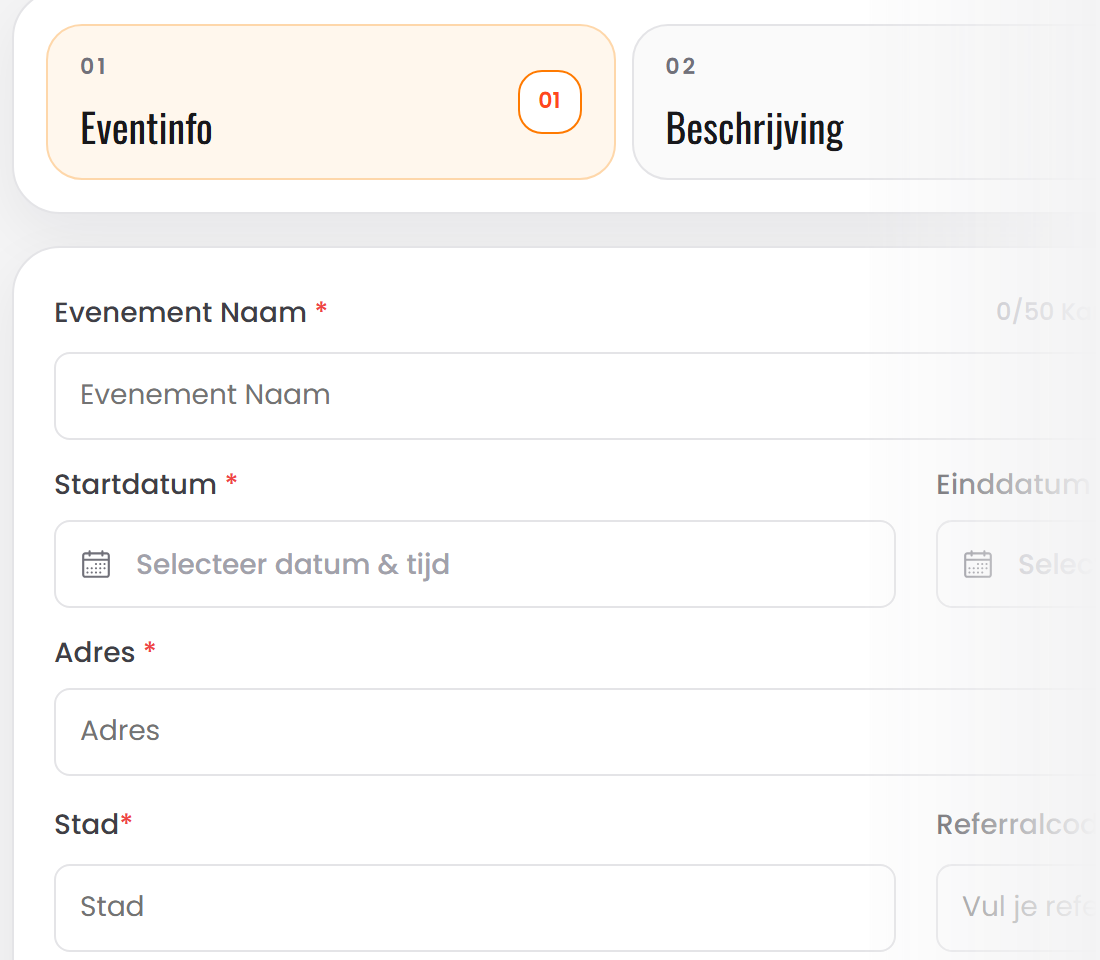
Create your event
Name, date, starting point and a photo. You can save it as a draft first.
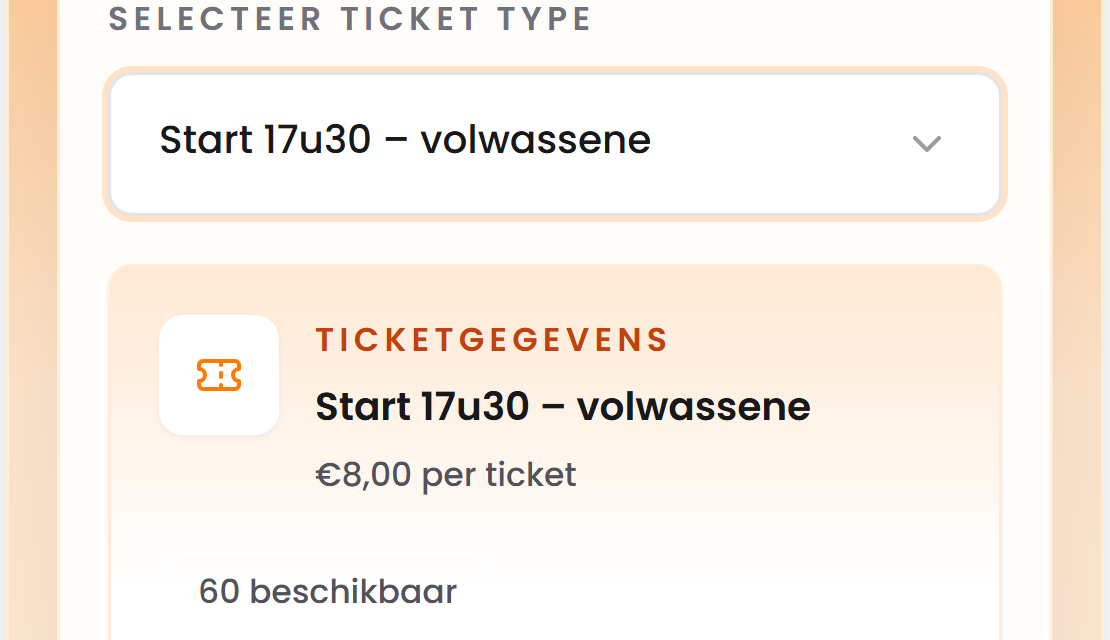
One ticket type per start time
For example ‘Start 17:30’ with 60 places. Everyone picks a start time, so the start never gets crowded.
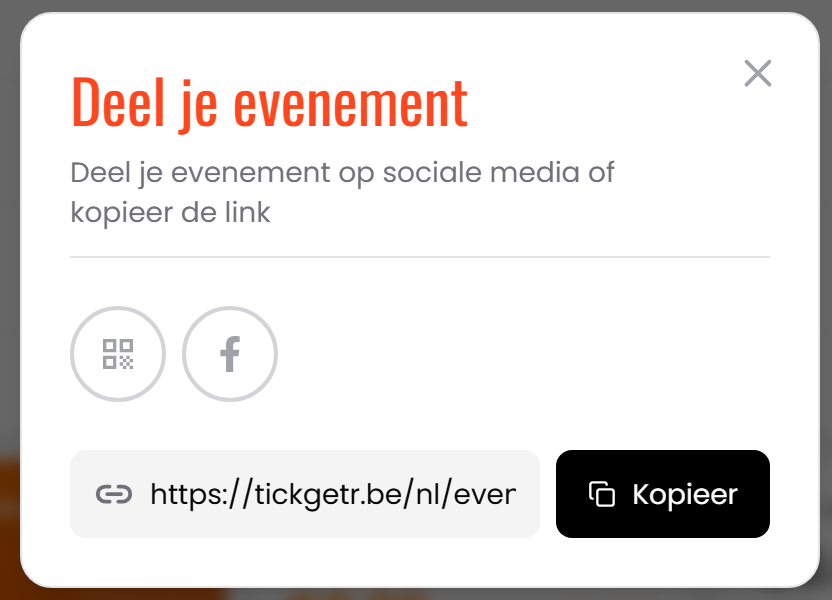
Share your link
On Facebook, Instagram or in the newsletter. Participants pay with Bancontact and receive a ticket with a QR code by email.
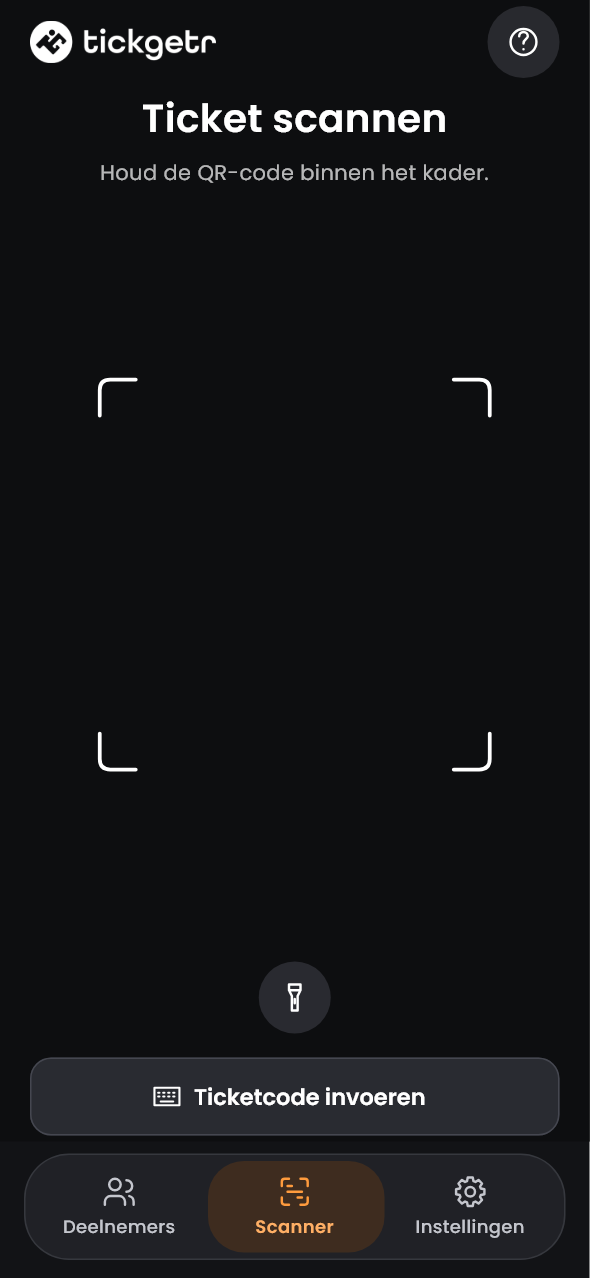
Scan at the start
With the free Tickgetr app on your phone. You see at once who has already set off.
What does it cost?
- One ticket
- €0.35
- Family with 4 tickets in one order
- €0.95
You choose in advance whether participants or your organisation pay this service fee. No subscription, no setup fee.
Don’t forget
Sources: Agentschap Natuur en Bos and FAVV, consulted on 29 October 2026. Each municipality has its own deadlines.
Questions from your team
Can I set a maximum per start time?
Yes. Each ticket type has its own number of places. Once a start time is full, nobody can choose it.
Do participants need an account?
No. They enter their name and email address and pay with Bancontact.
Can I charge a child price?
Yes. Create a separate ticket type for children per start time, for example ‘Start 17:30 – child’.